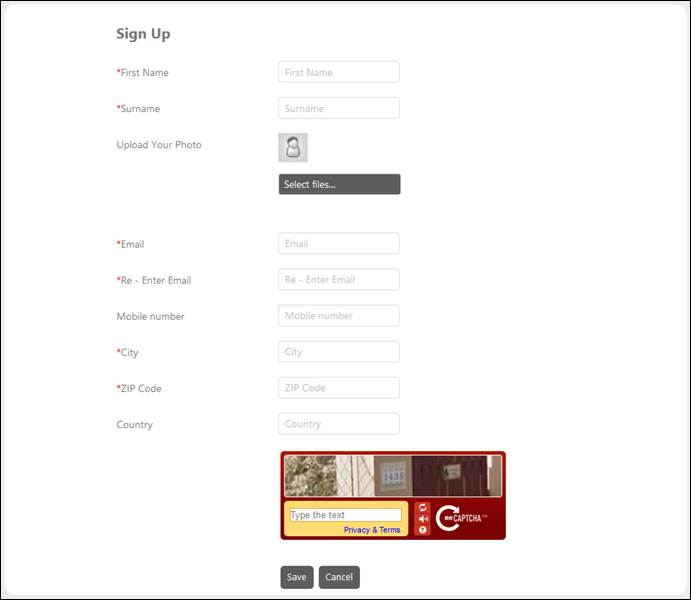
The Login form also provides an option to sign up for the portal. Clicking the link opens the Sign Up form.
Sign up Form
Above figure shows the form required to Sign Up a new End User in the NSP. Captcha is provided to verify that user is human. After entering all the required details, click Save button to create the new user.
The user will get a Create Password link on registered Email. To end the process, click the link and create password. After this action the user can log in to the NSP application. Note that Create Password link is valid only for 24 hours.
Users registered from the Self Service portal will be automatically added as an End User.