 in upper left corner.
The configuration defines content and appearance of the
Self Service Portal. In this function you can select which configuration that
should be used when you log in to the portal. Available configurations are
displayed as boxes. When you mouse over a box a button, Apply, will be visible. Click button and Save to select a configuration. Current selected
configuration is highlighted and marked with in upper left corner.
When you log in to the Self Service Portal first time you will automatically be asked to select a configuration. In this setting can you any time change configuration to be in use.
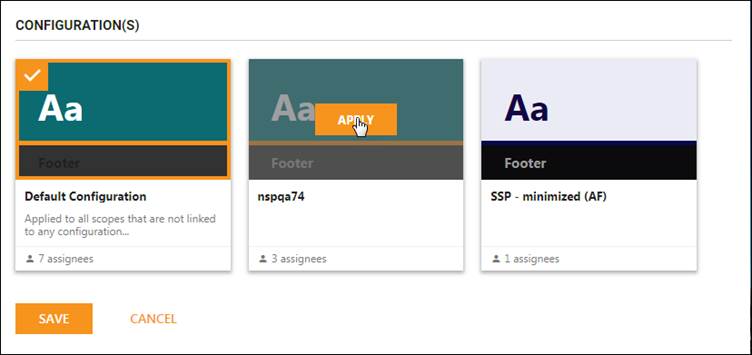
SSP Configurations