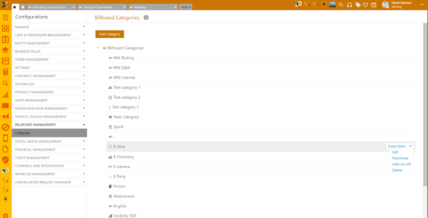
Configurations > Billboard Management > Categories
This is the list of all existing Billboard Categories, with an option to edit existing or add new ones.
New Billboard Category can be added by clicking the Add category button. Name is mandatory field, and you can add a description and browse for an icon for the Billboard Category.
No default categories are provided and categories could be created in just one level. You cannot create sub categories to Billboard Categories.
The following actions are available from the grid menu:
•Subscribers – Shows you the list of the subscribed end-users for this category.
•Edit – Gives you the possibility to edit the category details.
•Deactivate the category in the SSP.
•Hide on SSP
•Delete.
Billboard Management: Drop-down actions
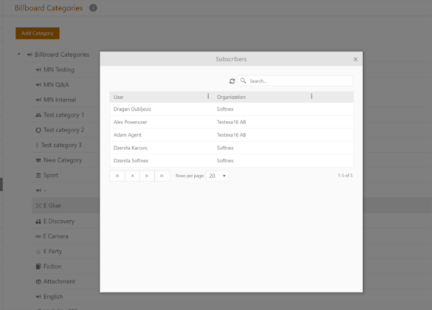
Billboard Management: Subscribes