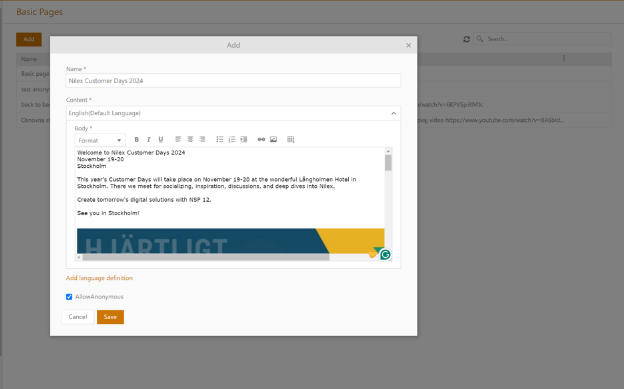
Configuration > Settings > Basic pages > Add
Basic pages are introduced as an entity in the NSP and can be used for the distribution of all sorts of information you want to share with your end-users. Created basic pages will be placed on the Homepage of the SSP.
Basic page form contains 3 main sections:
1. Name
2. Content
3. Allow Anonymous checkmark.
Basic pages form: Example
Body text can be formatted as preferred. If AllowAnonymous field is check marked, your article will be available to all registered and unregistered users.
Content pages can be edited and/or deleted from the grid list.
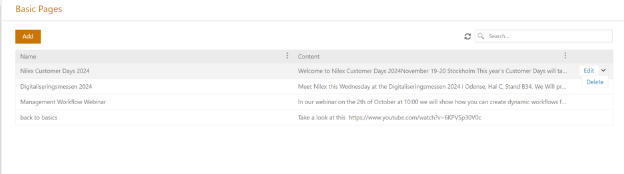
Basic pages: View
Post basic pages on SSP
Configuration > Settings > Navigation management > SSP navigation
To post the basic page on the SSP, use the SSP internal page linking (see detailed instructions here).
In the first tab, add a title, a description, an icon, choose color, and click next. In the second tab, checkmark Content, select Basic pages from the navigation bar, and then select the content page you want to post. On the last step, you can further define user scope.
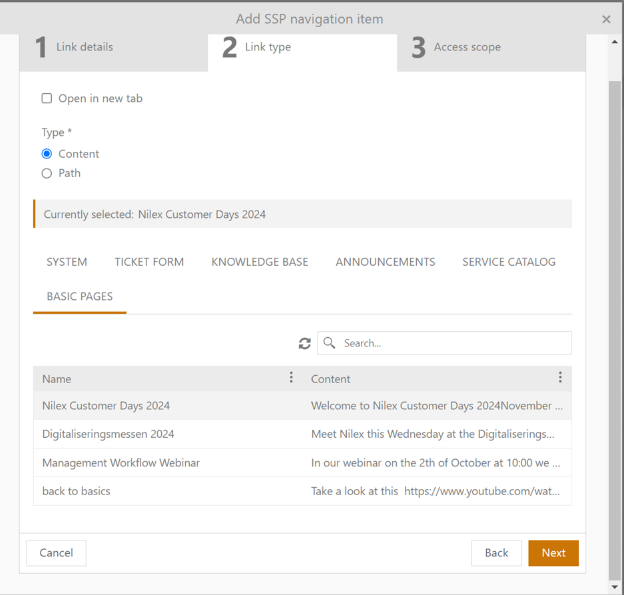
SSP Navigation: Internal link form
Once published, your basic page will be available on the Homepage of the Self-service portal.
Basic pages can also be added as the custom links to the Agent and Self-service portals.