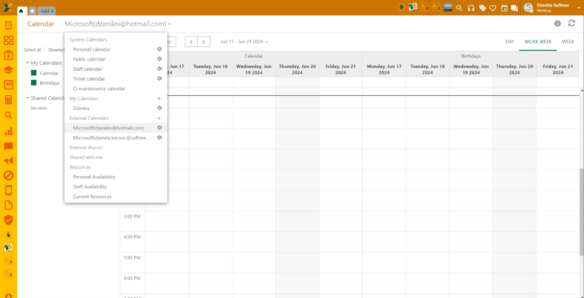
External calendars can be shared with other NSP users by clicking the gear icon next to your external account:
Share external calendar
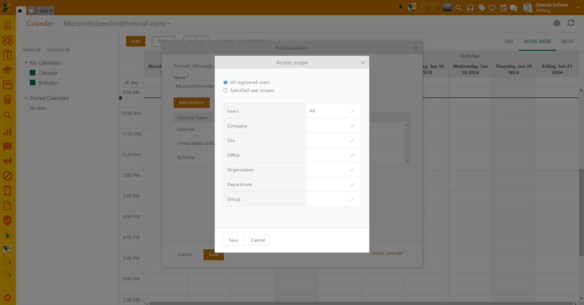
After this, the calendar form will pop up. You can choose which calendar type you want to share by selecting the Share option from the dropdown menu next to each calendar type. In the next step, you’ll define the users with whom you want to share the calendar. These can be all registered users, specific user groups, or individuals.
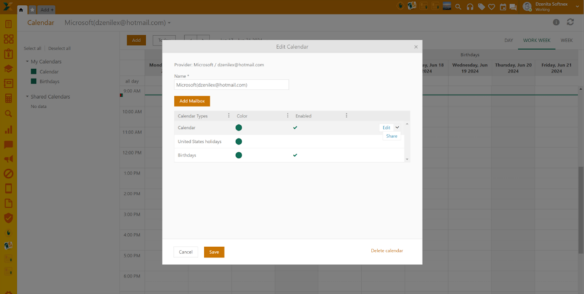
 Share external
calendar form
Share external
calendar form
Calendars shared with you by other users will be listed in the left menu and you’ll be able to see all their created events.
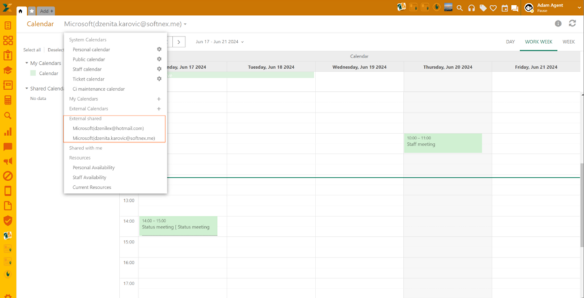
Shared external calendar - View